ACTUAL APPLICATION
See the radar in action.
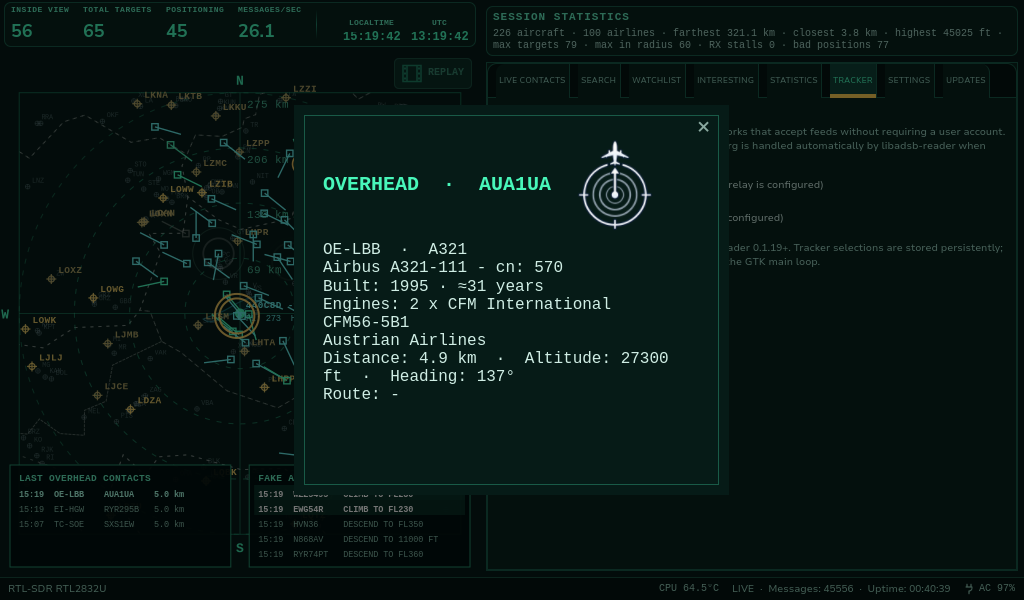
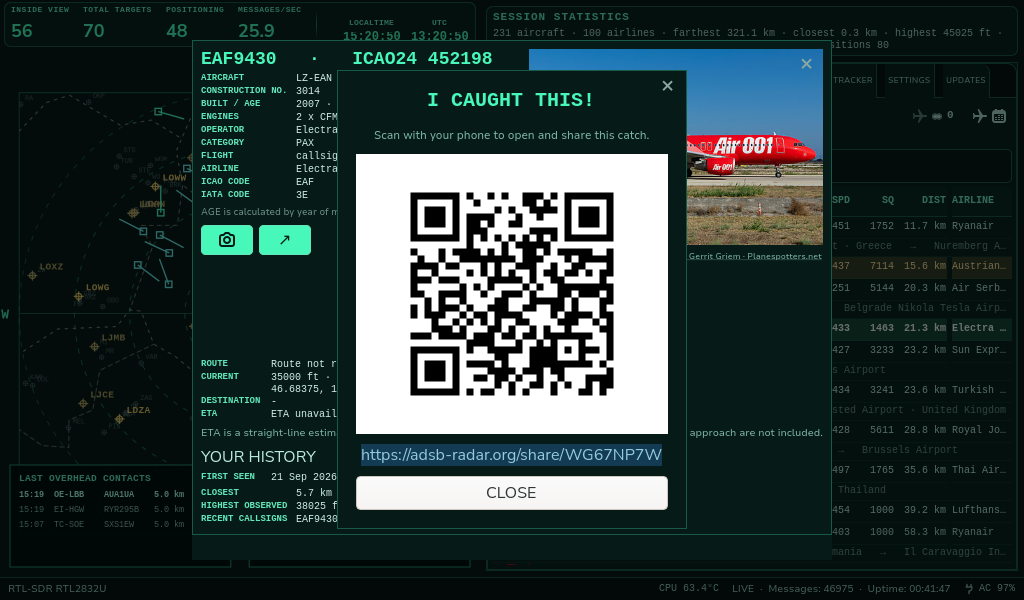
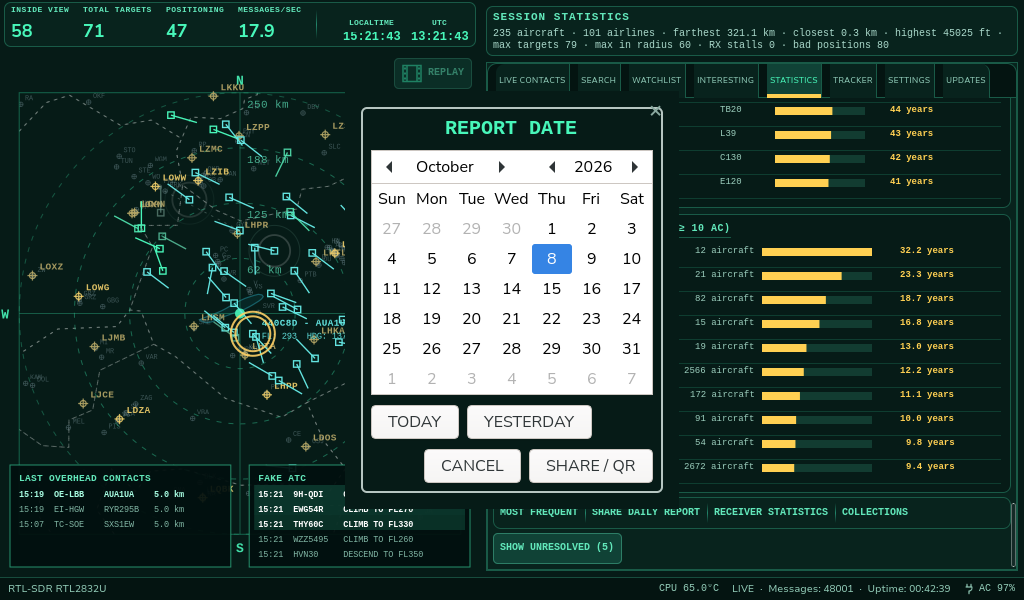
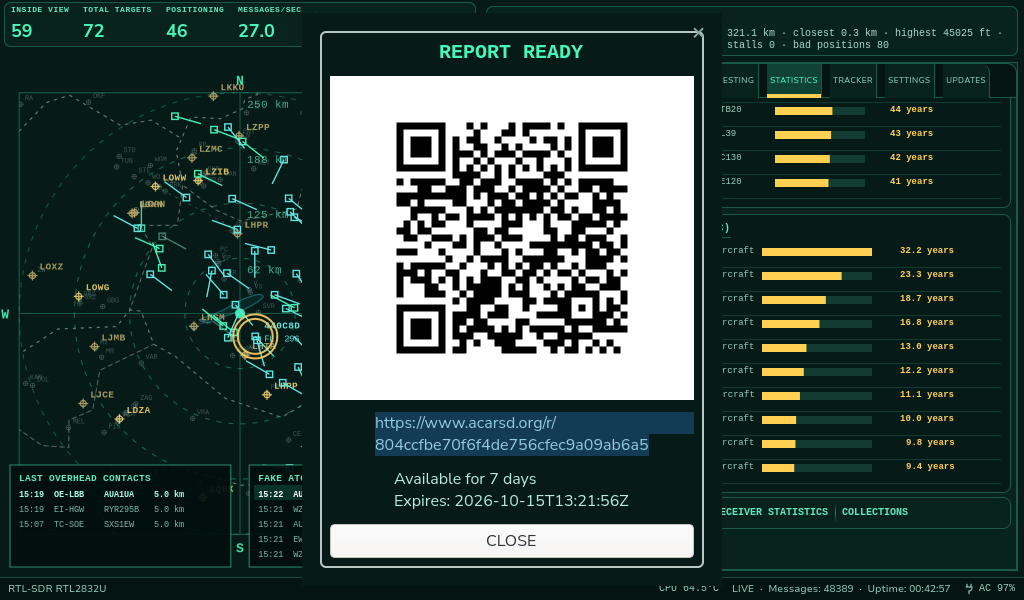
These images come from the application rather than a simulated web interface. They illustrate individual workflows and may differ from newer development builds.
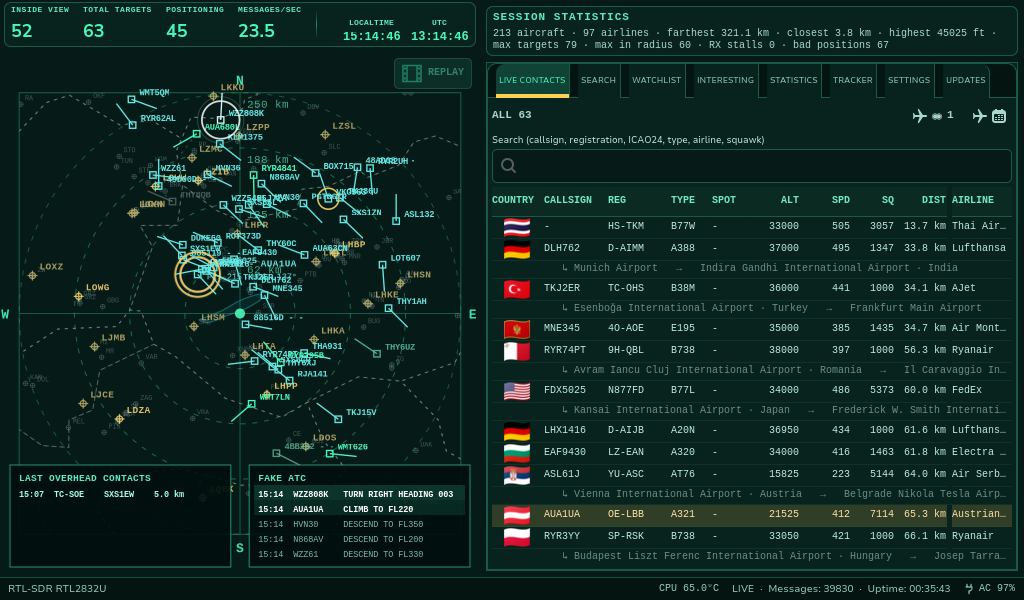
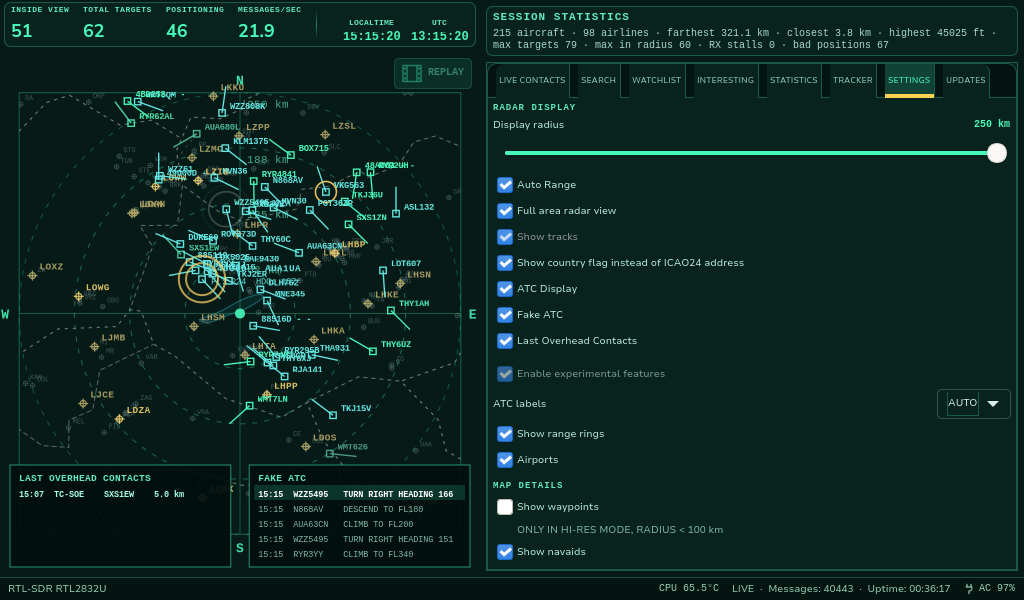
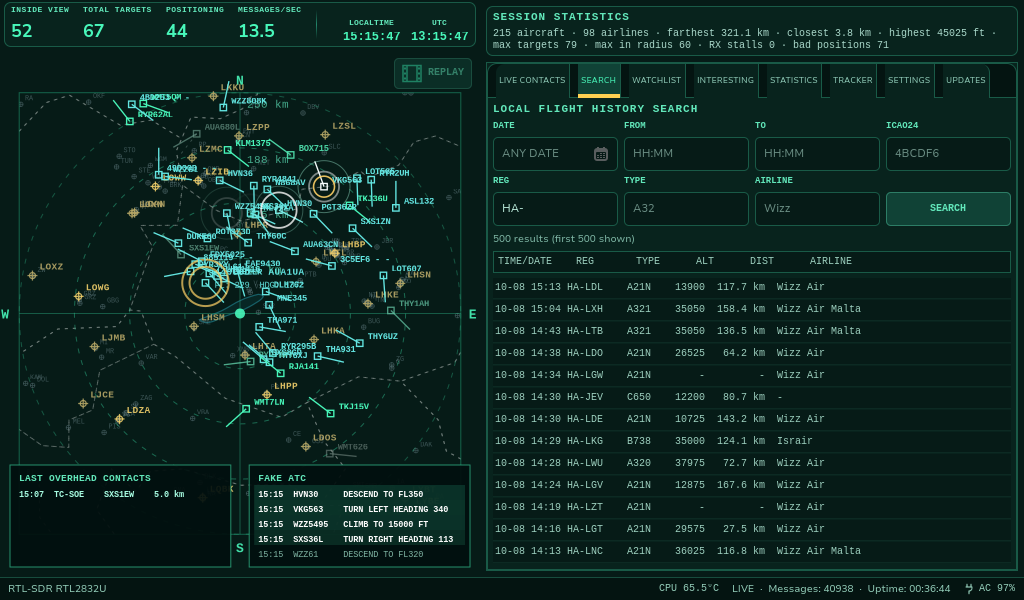
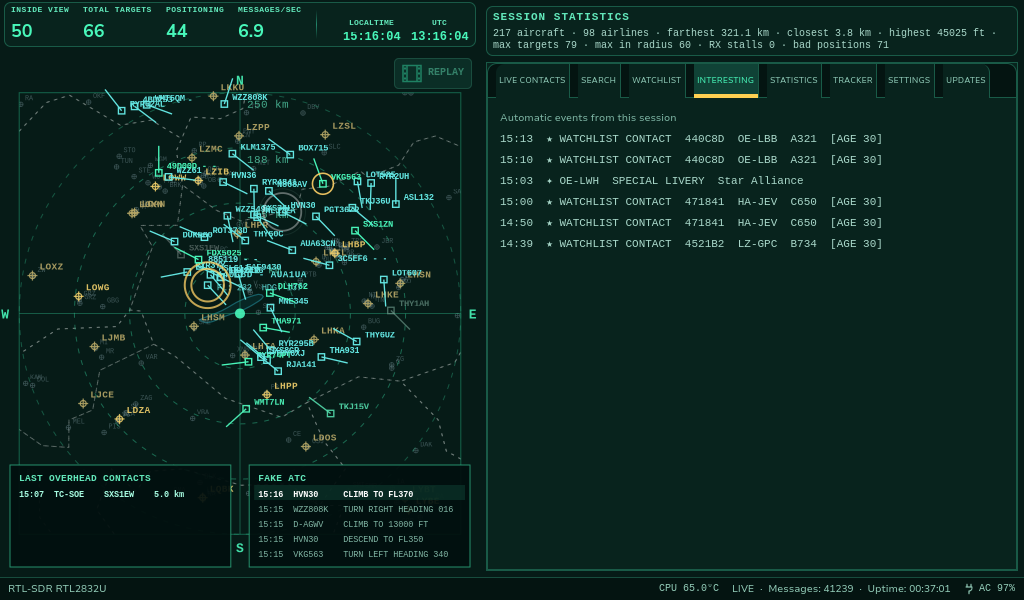
Live radar and everyday controls
Follow aircraft directly from your antenna, customize the interface, and find previously received contacts.
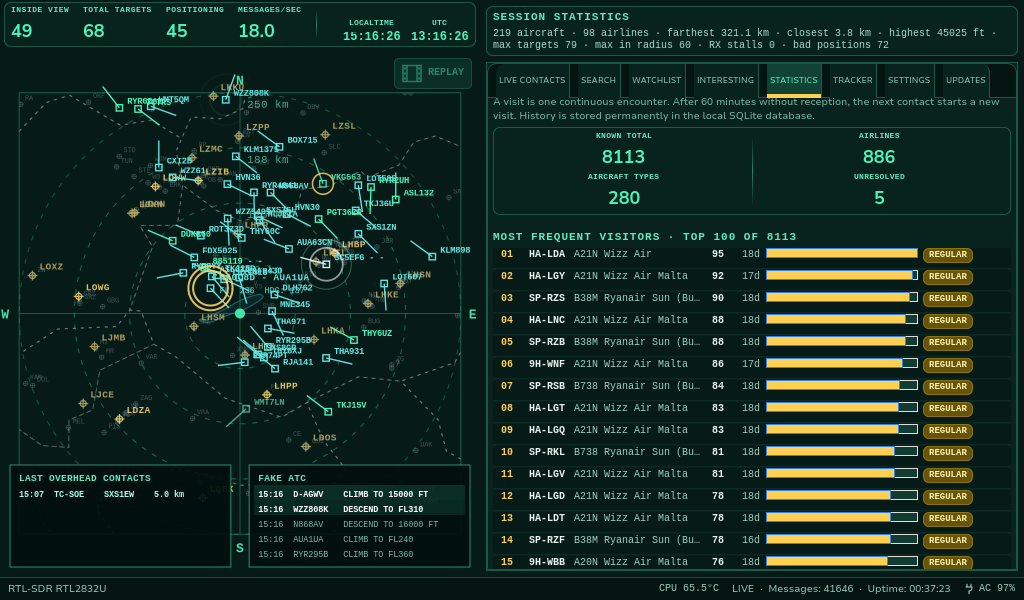
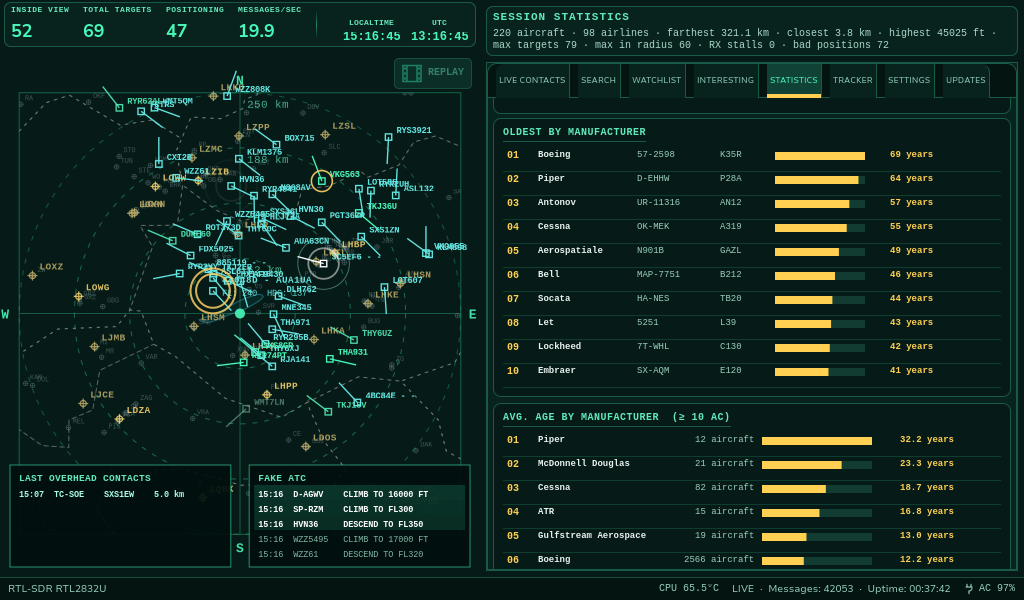
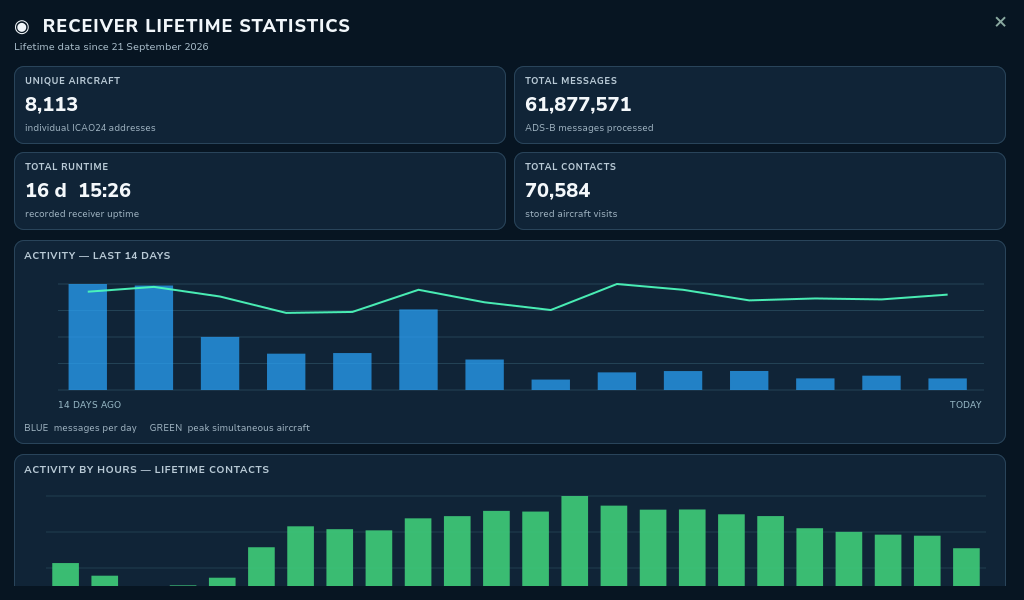
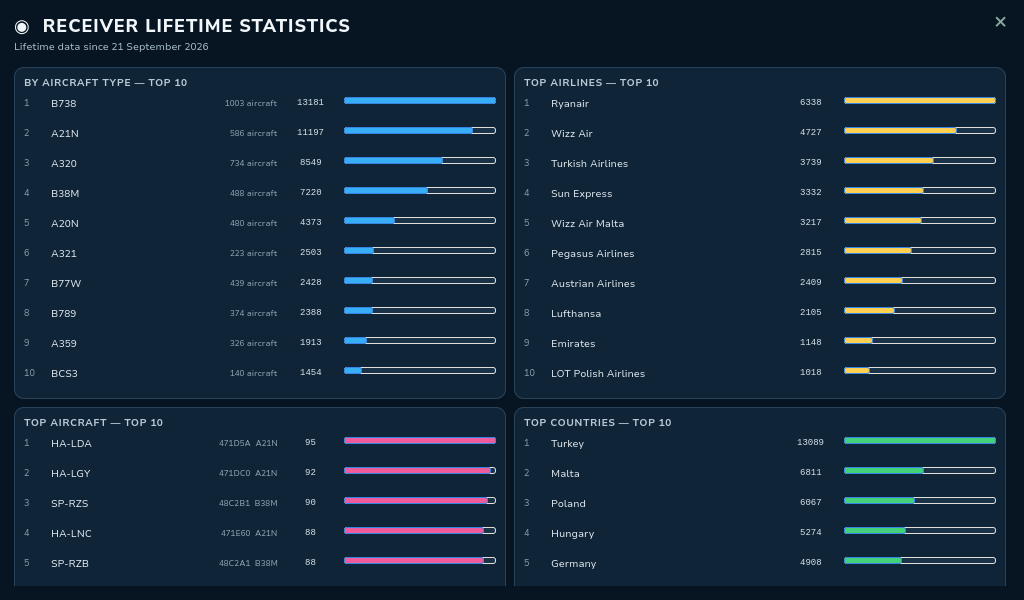
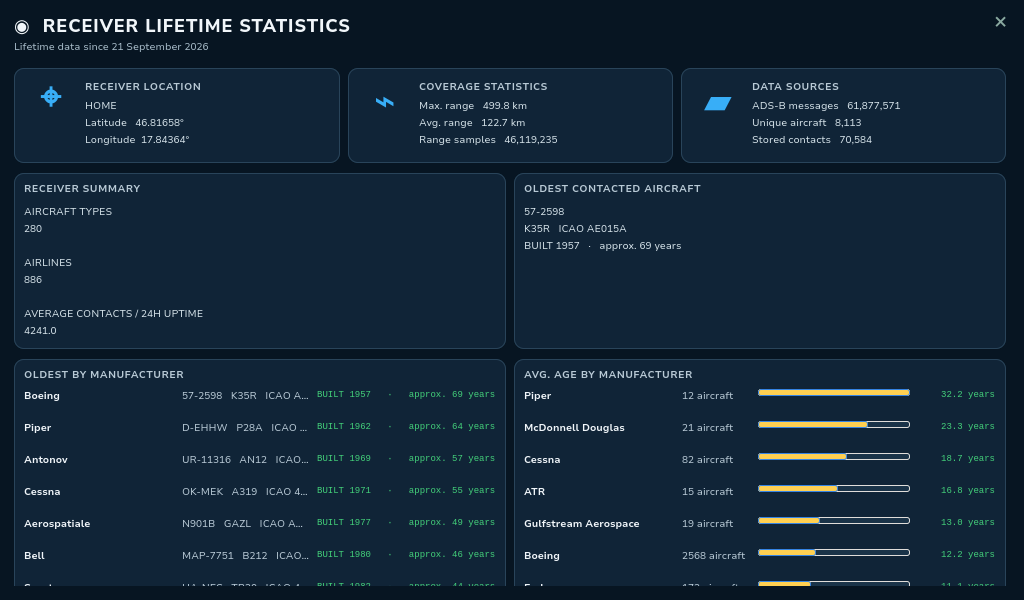
Statistics and receiver history
See how reception builds into a detailed personal aircraft history over time.
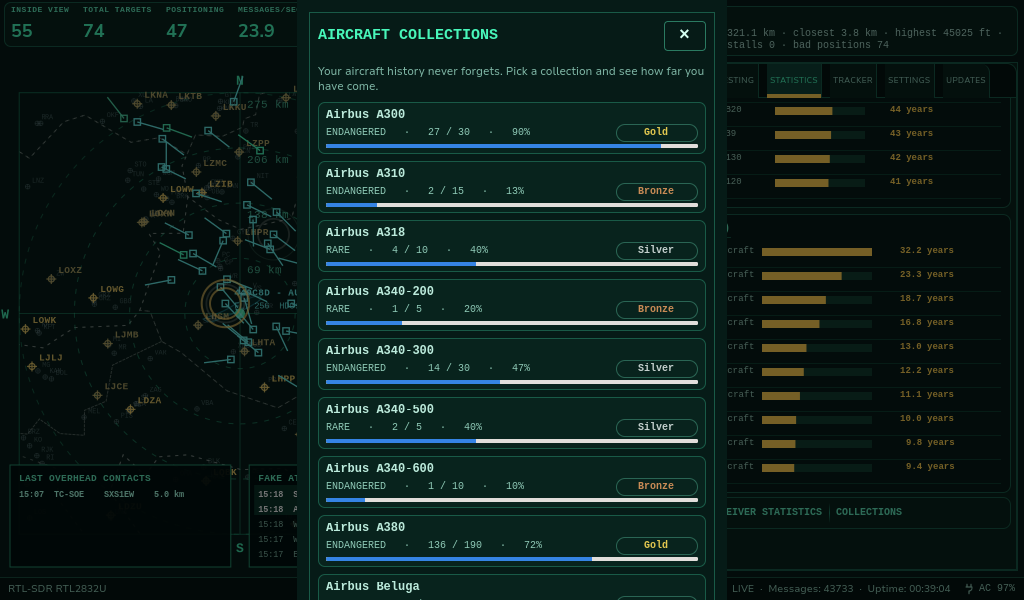
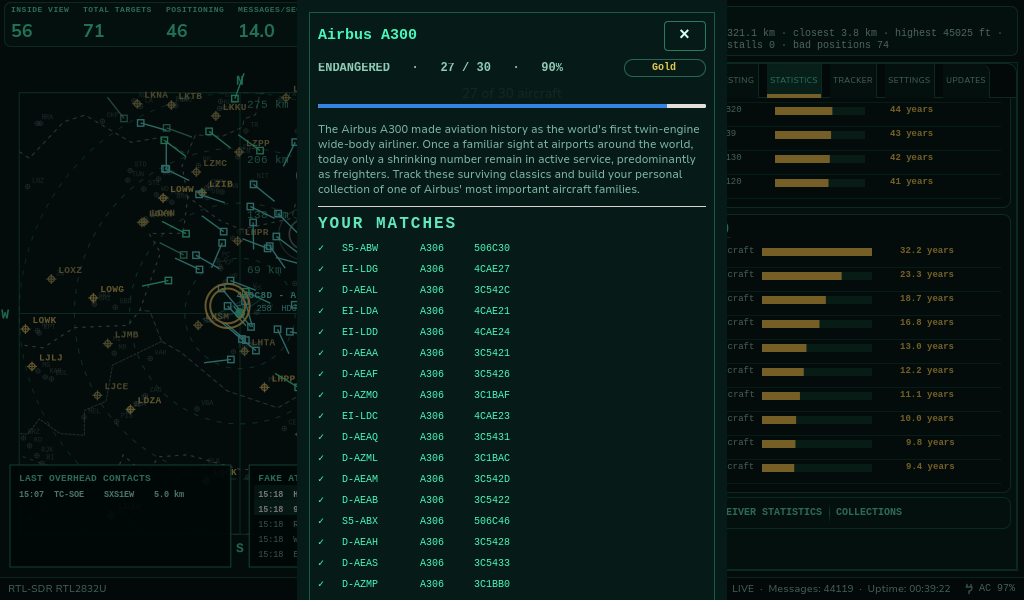
Aircraft Collections
Turn aircraft spotting into achievable goals and review your collection progress.
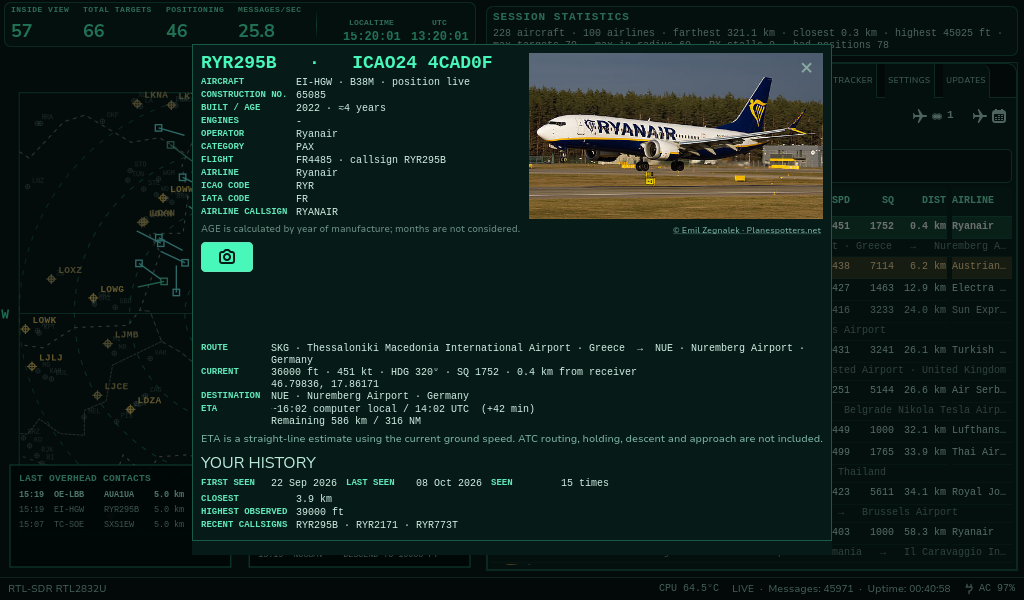
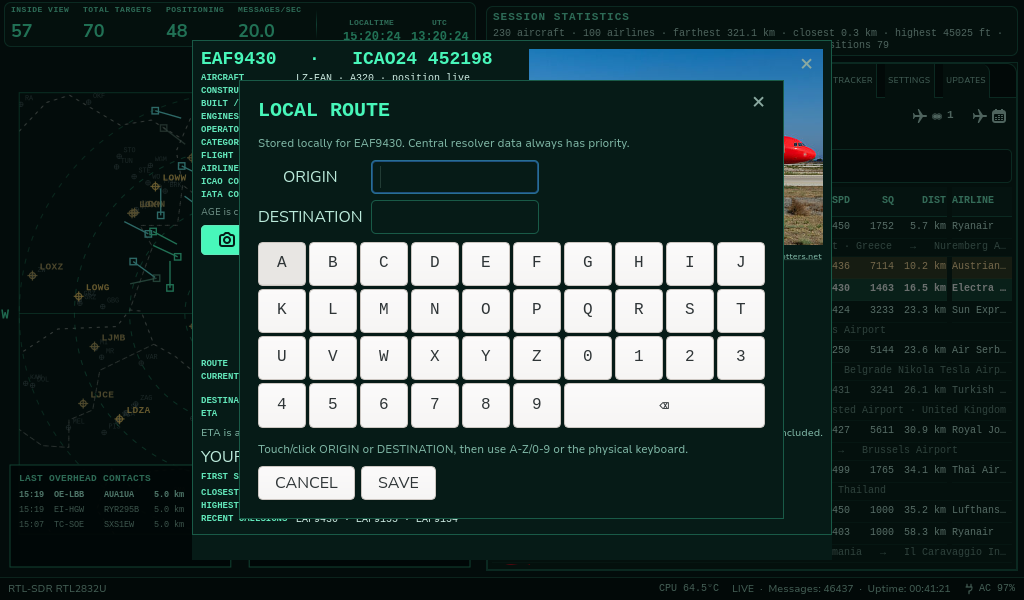
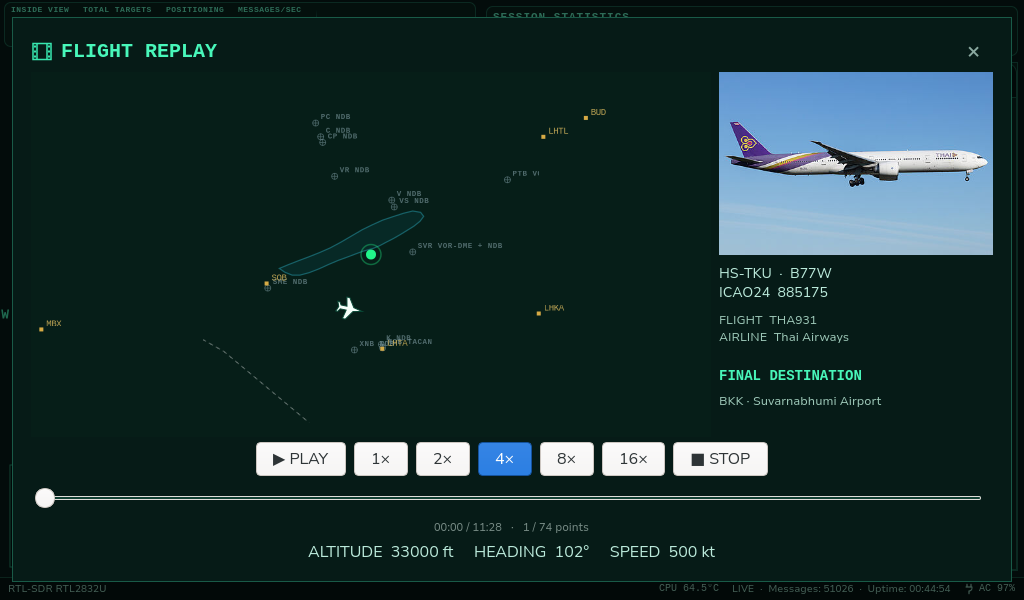
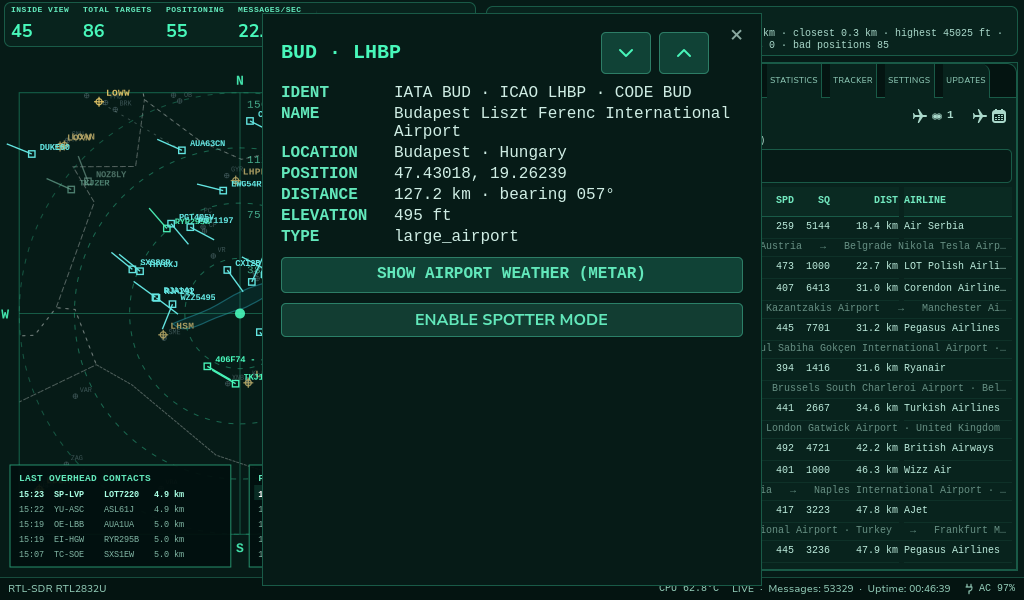
Aircraft identification and airports
Inspect individual contacts, supplement missing route information and view airport details.
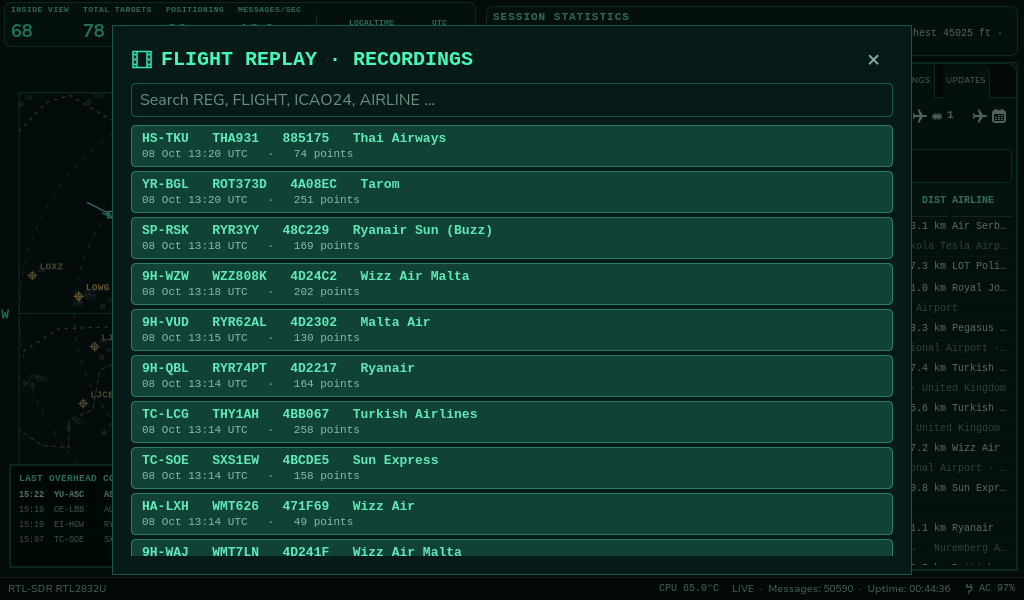
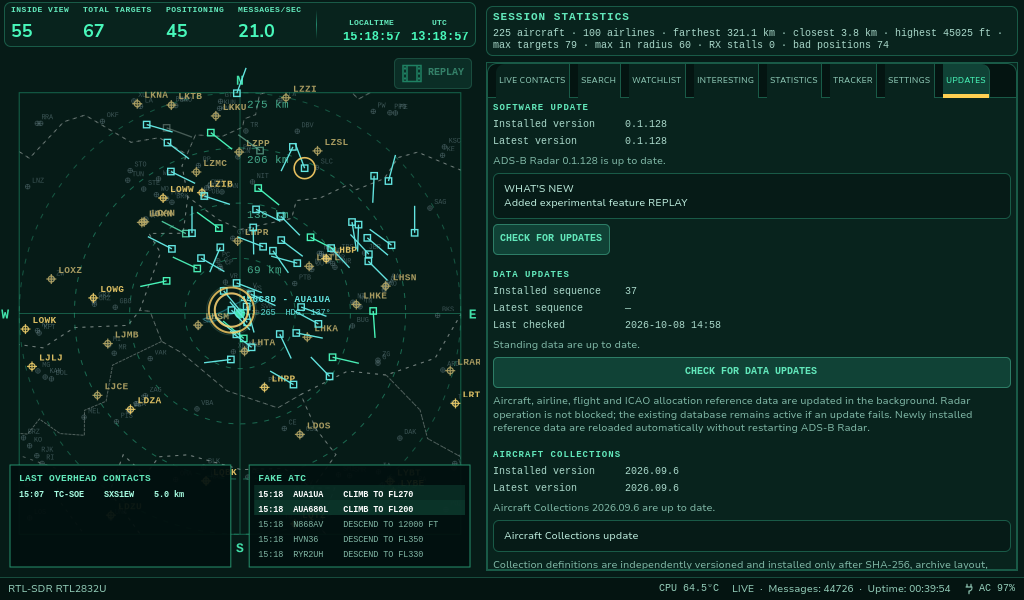
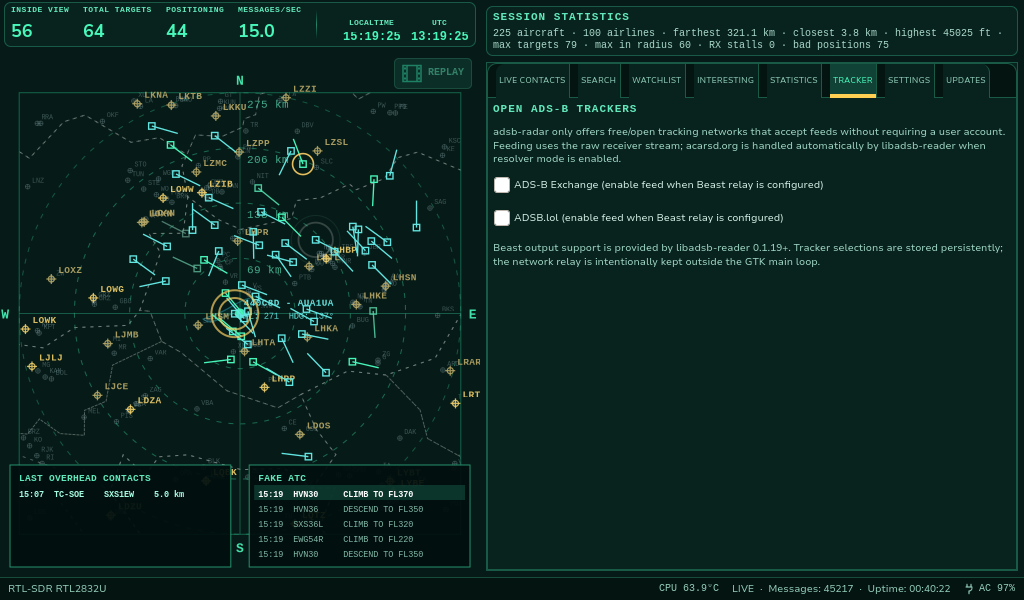
Alerts, updates and sharing
Tools for timely alerts, staying up to date and sharing your favorite observations.
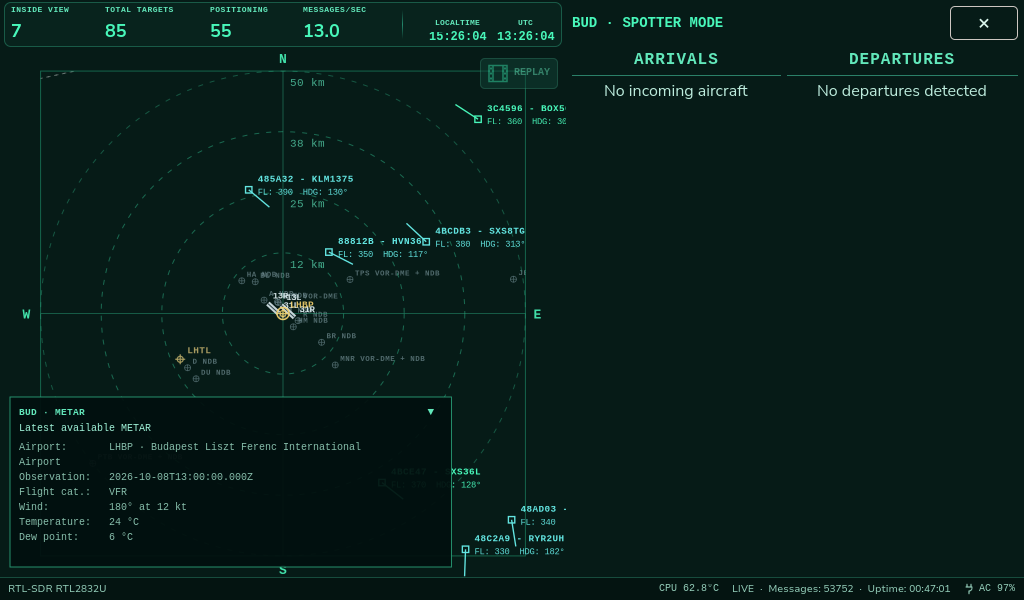
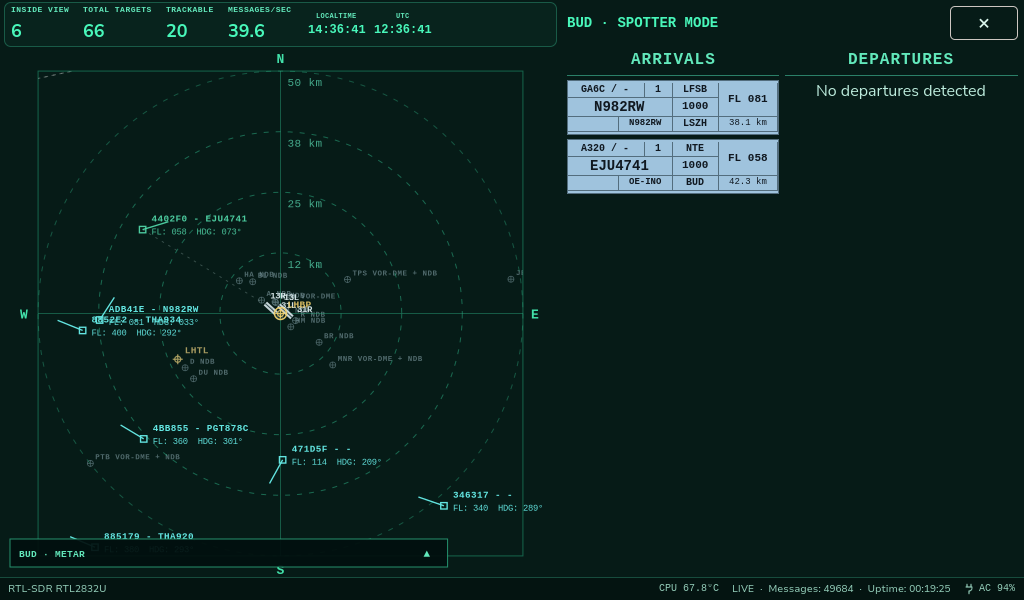
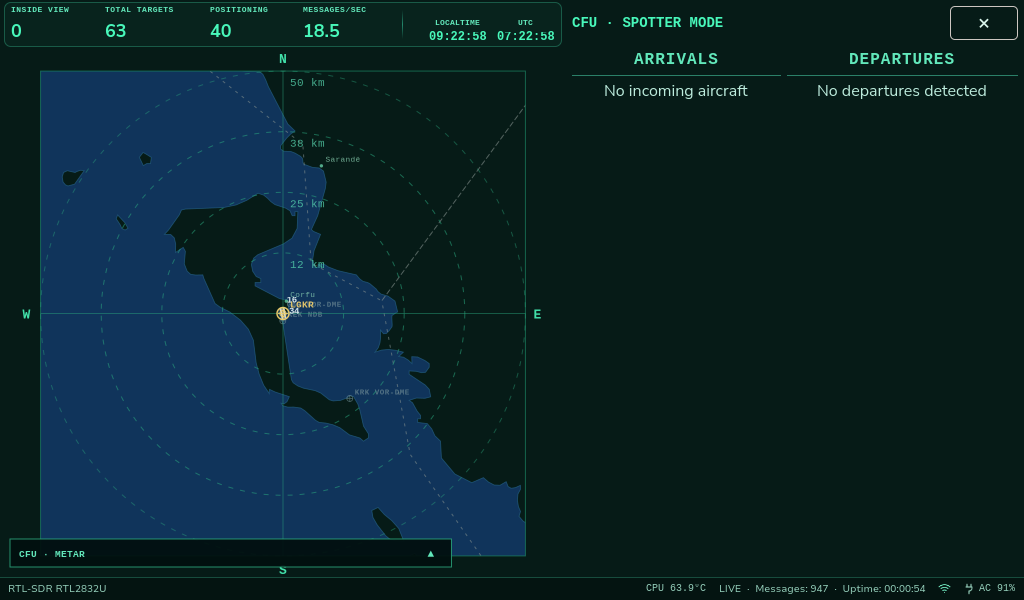
Spotter Mode
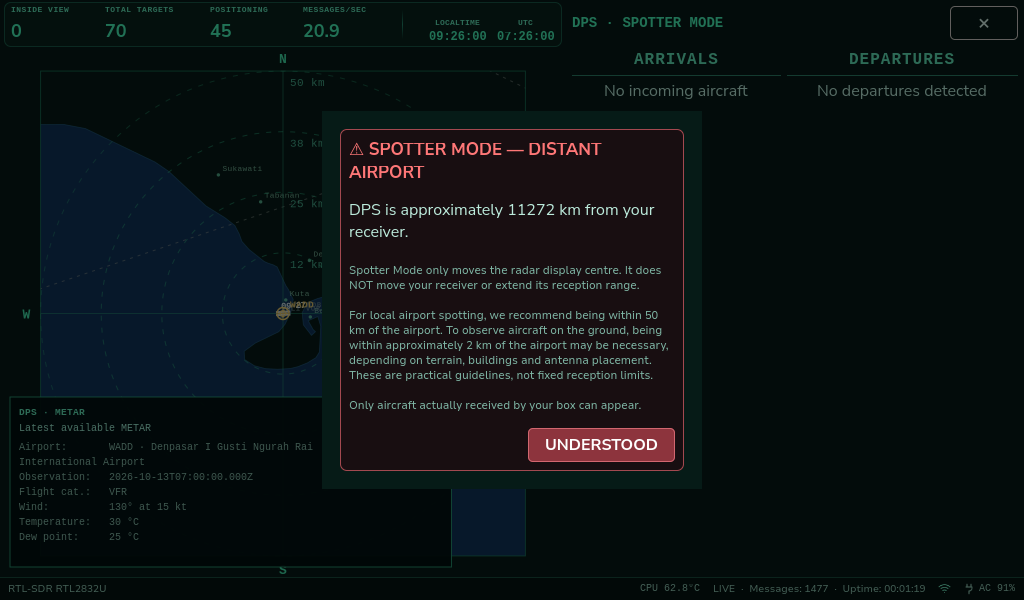
Select any airport worldwide and center the radar view on it. The box checks the distance to your receiver and warns if the airport is too far away for practical local reception. Only aircraft actually received by your antenna can appear; selecting an airport does not provide remote ADS-B coverage.
A note from our test location: We currently live too far from the nearest commercial airport to put Spotter Mode through realistic arrival and departure testing. Once our custom enclosure has been 3D-printed and the portable ADS-B Radar box is fully assembled, we plan to take it to an airport for proper field tests. The screenshots show the current development version, not the results of an airport field trial.
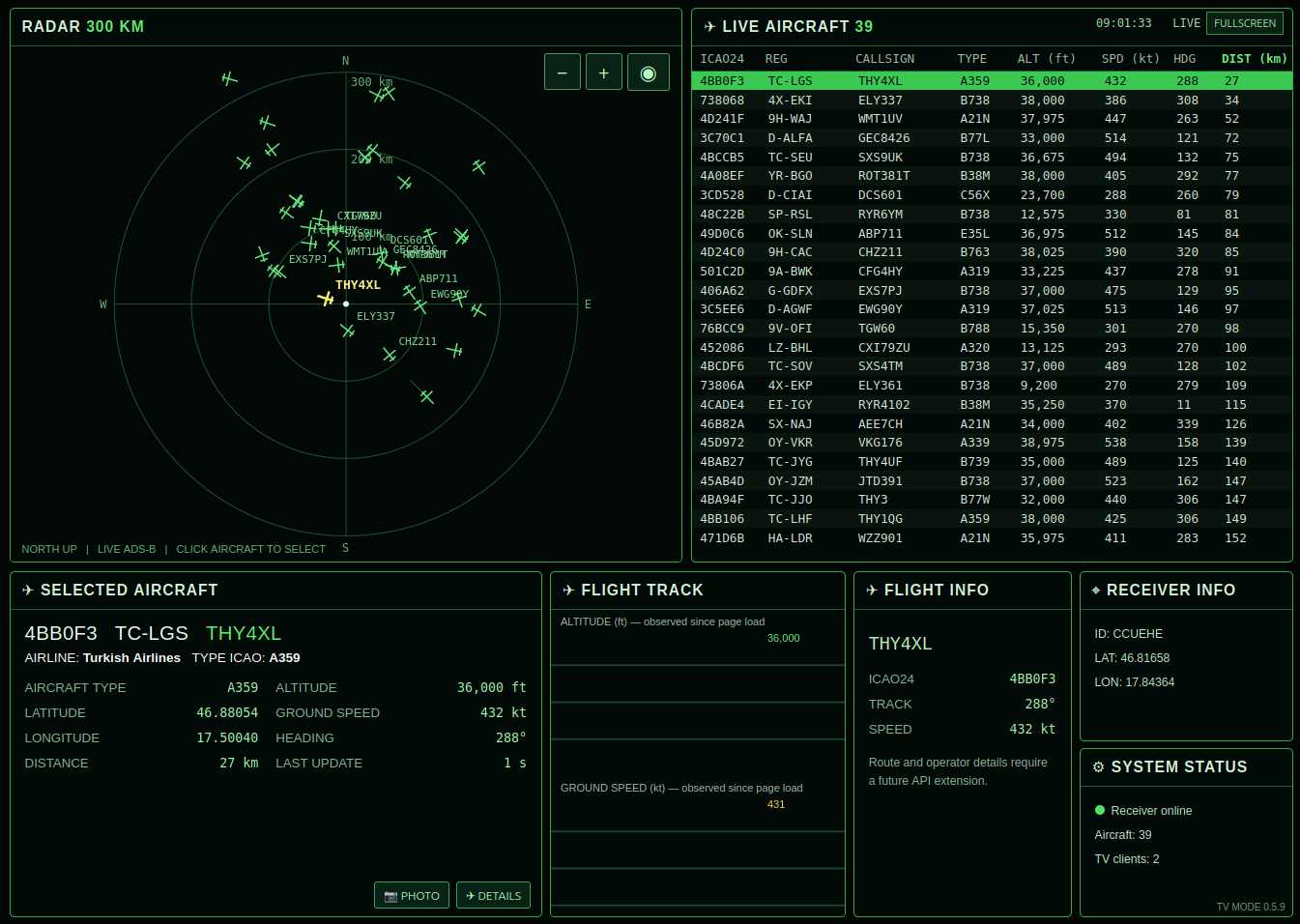
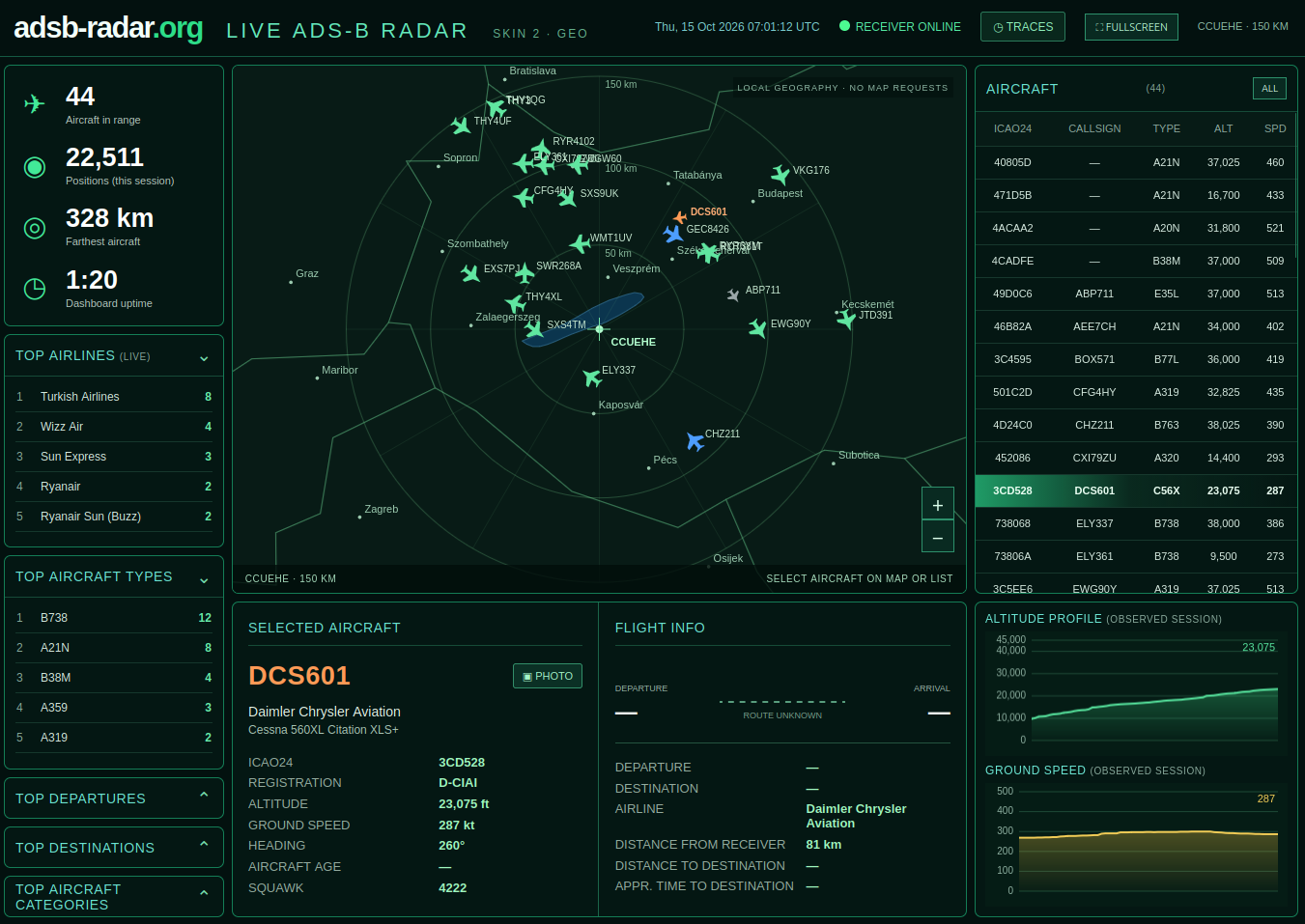
TV Radar and GEO Web Radar
Two ways to follow locally received aircraft beyond the box's own display.